Shooting Silky Looking Water – Camera Settings and ND Filter
In this video we will be learning how to shoot silky looking flowing water using a slow shutter speed and a Neutral Density (ND) filter.
We will be seeing how changing the different camera settings can help us get the correct shot. Here is the video:
This video is from our Photography for Beginners course, which has 45 videos and 7 hours of video content. You can access the full course via Udemy, using the link below:
Photography for Beginners course
Video Summary
This video explains how to capture the popular “silky water” effect in landscape photography using slow shutter speeds and Neutral Density (ND) filters.
Camera Settings and Equipment
- ISO: Keep ISO at its base (e.g., ISO 100) to ensure the highest image quality and avoid unnecessary brightness [00:48].
- Aperture: Use a high f-stop number like f/11 to f/16 (or even f/22) to maintain a large depth of field and naturally reduce the light entering the camera [00:54, 05:33].
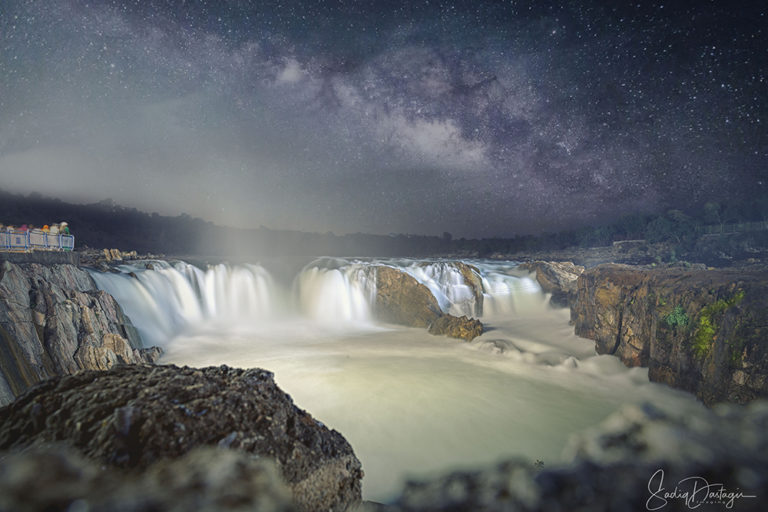
- Shutter Speed: This is the key setting for blurring motion. While 1/6th of a second provides some blur, a longer exposure of 1 second or more is ideal for that smooth, silky look [01:54, 04:12].
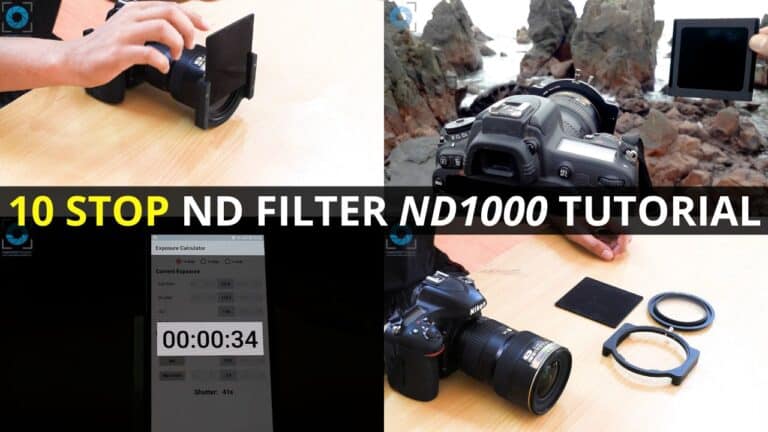
- Neutral Density (ND) Filter: If the environment is too bright, your image will overexpose before you can reach a slow enough shutter speed. An ND filter acts like “sunglasses for your lens,” cutting out light so you can use very long exposures even in daylight [03:11, 04:19].
- Stability: At these slow speeds, any camera movement will ruin the shot. Use a tripod and a remote shutter release to prevent vibrations [01:21].
Pro Tips
- Managing Diffraction: Some photographers avoid extremely high f-stops (like f/22) due to “diffraction,” which can slightly soften the image. Instead, they prefer to use an ND filter to keep the aperture around f/11 or f/16 while still achieving a long exposure [06:13].
- Beginner Advice: If you are just starting, don’t worry too much about diffraction; feel free to use your camera’s highest f-stop (like f/22) to help slow down the shutter speed if you don’t have an ND filter yet [06:53].